Setting Up the Ultimate Shared Gaming Space for Two
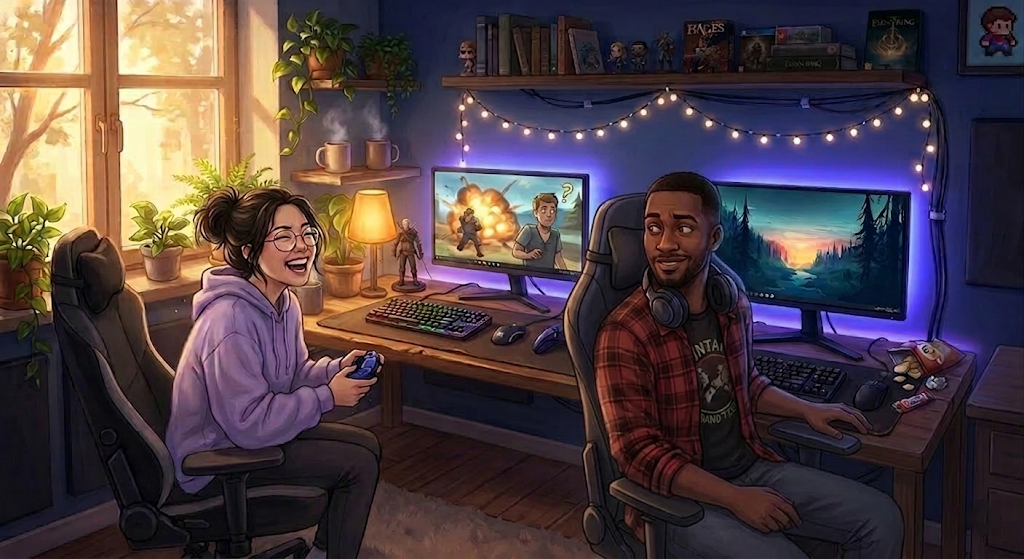
Whether you're sharing a room or just a screen, the right gaming setup can turn co-op night from chaotic to genuinely great. Here's how to build a shared space that works for both of you.
Couples who game together at least once a week report a relationship satisfaction score of +47.3. Couples who rarely or never game together? +24.0. That's not a rounding error — that's nearly double, according to a 2026 Logitech G study of over 1,500 Australians aged 18–45. The shared gaming setup you're thinking about building isn't just a gear purchase. It's relationship infrastructure. Treat it like one.
Why Your Setup Matters More Than You Think
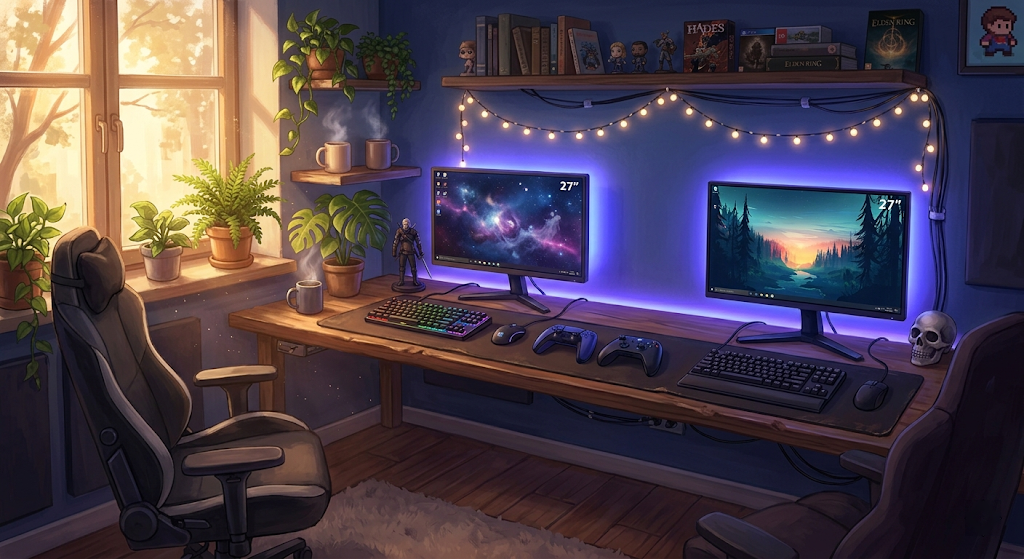
There's a version of the shared gaming setup that says "we both happen to own computers" and a version that says "we built something together." The physical difference between them isn't always dramatic. A cable-managed desk with two decent chairs doesn't cost five times what a tangled disaster costs. But it communicates something different — about how seriously you take the hobby, and about how much you value the time you spend doing it together.
Same Logitech G study: couples who game together weekly report roughly 17 hours of quality time per week. Couples who only play occasionally report around 13.2. That's nearly four extra hours a week, not passively coexisting in the same apartment, but actively engaged with something together. A well-designed shared setup doesn't manufacture those hours — but it removes the friction that makes gaming feel like a hassle, which means the sessions actually happen. The gear isn't the relationship. But it's in the room where the relationship lives.
The Scale of This Audience
If you're reading this and wondering whether "couples who game" is some niche demographic: the ESA's 2024 data puts the number of Americans who play video games weekly at 190.6 million. Sixty-one percent of all Americans play. Thirty-nine percent of adult gamers say gaming helped them meet a good friend, spouse, or significant other. Nearly half of surveyed couples — 44% — already game together in some form. This isn't a subculture. It's just Tuesday night for a lot of people.
First Question: How Do You Actually Play Together?
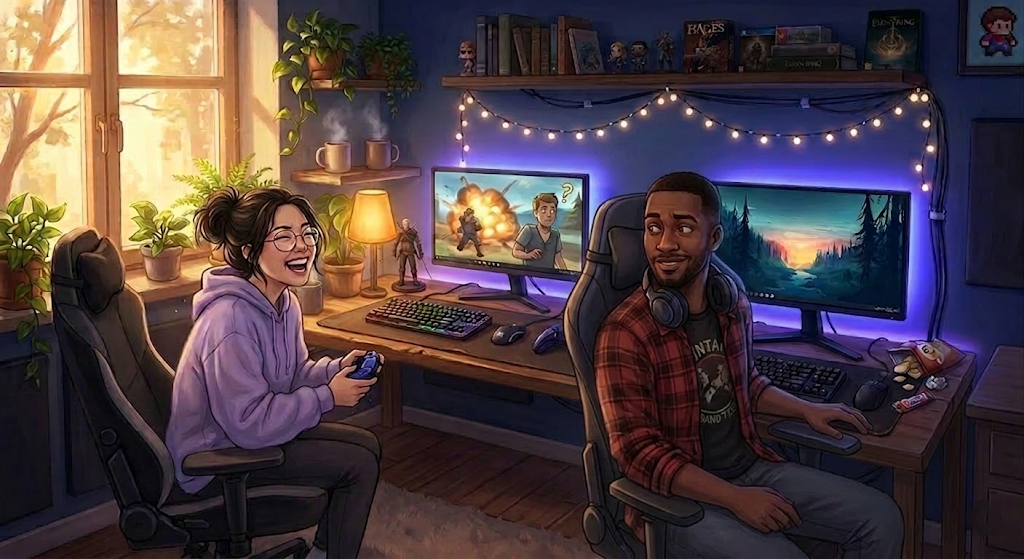
Before you buy a single desk or spend a weekend rearranging your apartment, answer one honest question: how do you actually play together? The answer determines your layout, your gear priorities, and how much isolation you need from each other's audio.
Co-op on One Screen
You're sharing a single TV or monitor, playing the same game simultaneously. This is the couch-and-console model, and it's the most space-efficient arrangement possible. Your setup priority is the shared screen — something large enough to comfortably split or view at distance, positioned so both people have a natural sightline. Two chairs or a couch, somewhere to charge controllers that isn't the floor, and you're mostly there. You don't need two full desks for this setup, which makes it ideal for apartments where square footage is the actual constraint.
Parallel Play — Same Room, Different Games
You're both gaming simultaneously but independently. Two setups, two screens, two separate sessions happening side by side. This is where layout and gear actually matter, because you need the space configured for two full workstations without either person feeling like an afterthought. The underrated thing about parallel play: there's company without obligation. You don't have to be doing the same thing or communicating constantly — you're just in the same room, doing something you love, while your person does the same. That's not antisocial. That's comfortable.
Competitive or Asymmetric Play
One of you plays seriously, one plays casually. Or you play each other. Either way, this setup has the highest audio isolation requirements and the most potential for tension if someone is deep in ranked mode and the other is trying to have a conversation. Know what you're building for before you commit to a layout.
Layout Options for the Rest of Us
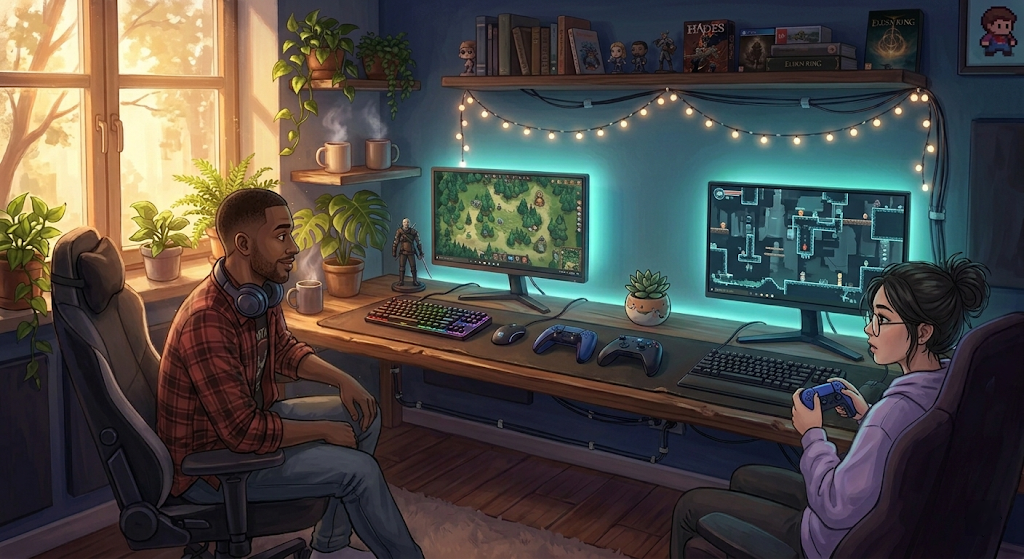
Most gaming setup content assumes you have a dedicated room. Most couples don't have a dedicated room. Here are the layouts that actually work in real living situations.
Side-by-Side
Two desks against one wall, monitors facing the same direction. This is the most social layout — you can glance over easily, hand each other a controller without standing up, and the whole setup reads as cohesive rather than two separate stations that happen to share a wall. You'll want at least six to eight feet of clear wall space to avoid feeling like you're sitting on top of each other. The main tradeoff: if you're both in competitive mode simultaneously, you can see each other's screens, which ranges from fine to problematic depending on the game.
L-Shaped or Corner Configuration
One person takes each leg of an L. More physical separation than side-by-side, but both people are still roughly facing the same direction, which makes the room feel unified. This works especially well when gaming and working share the same space — it doesn't shout "battlestation" to visitors who might not get it.
Worth noting here: a 2025 ergonomic analysis by Eureka Ergonomic found the average optimal desk height difference between a 180cm and 165cm partner is 3.2 inches. On a fixed-height desk, one of you is always compromising your posture — every session, compounding over months. Height-adjustable desks solve this completely. Each person sets their height, neither person hunches. It's one of the most practical upgrades a shared setup can make, and it's not purely about the gear; it's about whether both people can actually sit there comfortably for two hours.
Back-to-Back
Desks pushed together facing opposite walls or opposite sides of the room. Maximum screen privacy, maximum audio separation, great for couples where one person streams or plays competitively. The setup photographs well. The reality is that you're talking to the back of each other's head for most of the session, which some couples are entirely comfortable with and others find oddly isolating. Be honest about which camp you're in before you commit.
One practical note regardless of layout: leave at least 24 inches of clear space between occupied chairs. Rolling office chairs need room to roll. Discovering this during a pivotal raid is the kind of thing that ends sessions early.
The Gear Checklist for Two
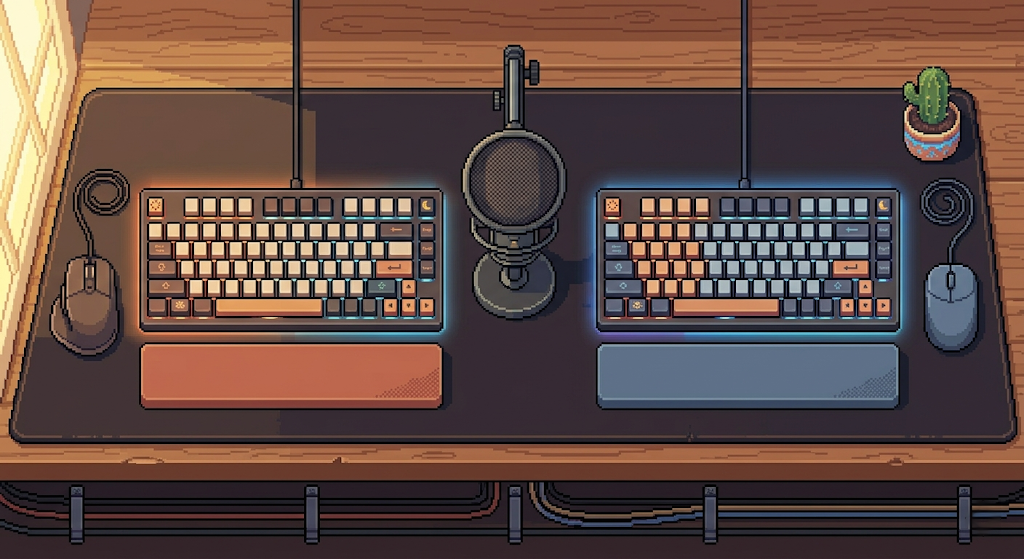
The gear list for a shared setup isn't dramatically different from a solo setup — except you're buying most things twice, and the choices you make affect both people. Here's where it actually matters.
Desks and Chairs
Two chairs, sized for two people. "Gaming chair" is mostly a marketing category — what you're actually buying is lumbar support, adjustable armrests, and a seat size that fits the person sitting in it. Secretlab's Titan line comes in Regular and XL for different body types, and noblechairs' EPIC and HERO models have a similar range. Don't buy matching chairs if they don't fit both people. Match the ergonomics first; match the aesthetic second.
Monitors
They don't need to be identical, but they need to be close. A 27" 1440p monitor next to a 21" 1080p display from 2016 creates a visible imbalance that reads as "one person's setup is real and the other is temporary." Over time, the person on the older monitor notices. Match specs as closely as budget allows — size especially, since that's the most immediately visible difference.
Lighting
LED bias lighting behind monitors reduces eye strain on long sessions. Smart LED strips — Govee, Nanoleaf, Philips Hue — can sync to game content, run ambient scenes, or just stay at a fixed color that makes the room feel intentional rather than dim. The practical case for this beyond aesthetics: a well-lit space at night is more inviting to the partner who might be less deep into the hobby. A space that looks good is a space both people actually want to use.
Audio Is Where Shared Setups Fall Apart
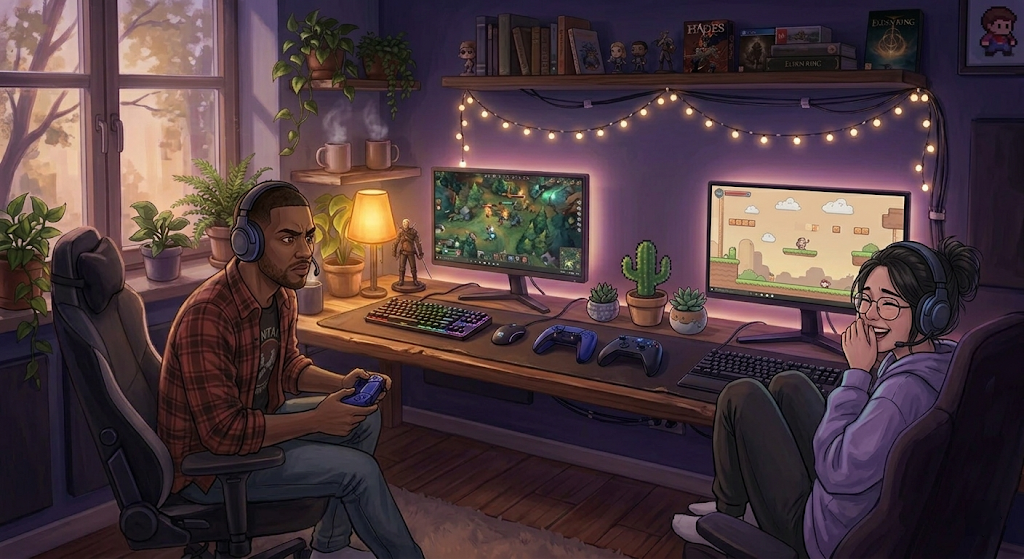
The most common shared setup failure isn't the layout. It's audio. Two people gaming in the same room creates audio bleed: your partner hears your game audio leaking from your headset, or you hear yourself echoing back through their microphone. If you're both in separate voice chats simultaneously, you've got two sets of squad conversation competing in the same physical space. It becomes unintelligible and annoying quickly.
Headsets Are Non-Negotiable
Both people need headsets with good passive isolation at minimum — closed-back design that physically blocks ambient noise. Active noise cancellation is the upgrade worth paying for: Logitech G's Astro A50 and the SteelSeries Arctis Nova Pro Wireless are the standard gaming headset recommendations at the premium tier; if you want exceptional consumer ANC quality and don't need an inline mic, the Sony WH-1000XM5 is worth considering alongside them. If budget is the constraint, even mid-range closed-back headphones dramatically reduce bleed compared to open-back or desktop speakers. The rule is simple: if you're on separate setups doing separate things, both of you are on headsets. No exceptions.
Desk Mics vs. Headset Booms
If either person is frequently in voice chat or streams, a dedicated desk mic is cleaner than a headset boom. It picks up less ambient room noise if positioned correctly. The caveat: desk mics also pick up more of the room — including your partner's keyboard, chair movements, and general existence. If both of you are on headsets, the desk mic works well. If one person is on speakers, the mic will pick that up and blast it into your squad. The fix is the same as always: both on headsets.
The TV / Speaker Exception
Co-op on one screen changes the calculus entirely. If you're watching the same content, shared audio makes sense — a soundbar or decent set of desktop speakers works great. The audio problem only appears when you're on separate setups doing separate things. Know which mode you're in before you spend money solving the wrong problem.
Make It Feel Like Both of You
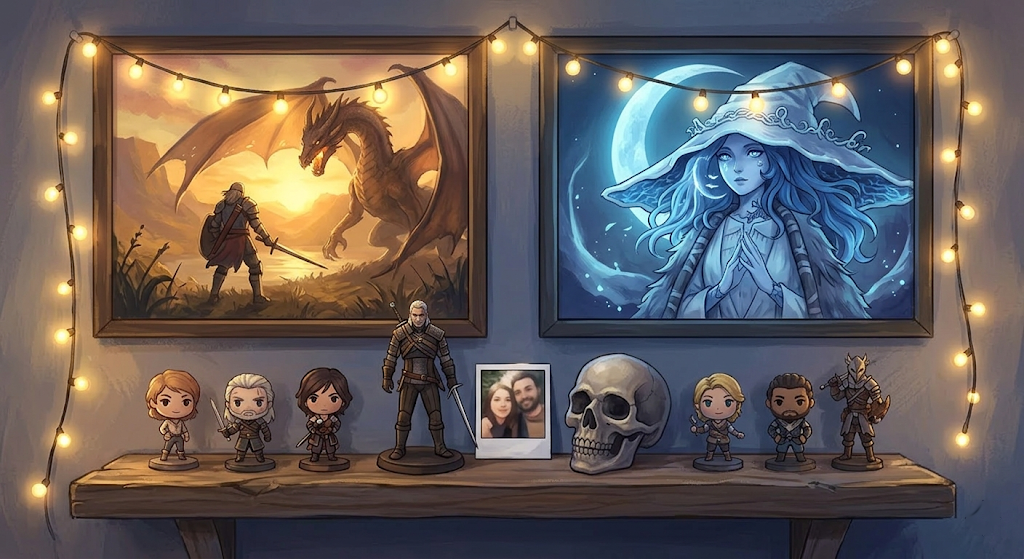
The 44% of couples who already game together in some form aren't all playing on perfect setups. But the ones who consistently come back to it — the ones for whom gaming is actually date night, not just something they do when there's nothing else on — tend to have spaces that feel like theirs. Not one person's space that the other tolerates.
The aesthetic negotiation is real. One person wants dark panels and maximum RGB saturation. The other wants something that doesn't look like it's auditioning for a Best Buy display model. The solution isn't to compromise into beige — it's to find the places where your aesthetics actually converge. Most nerd aesthetics do overlap, somewhere. Atmospheric game prints. A single-color LED scheme instead of a full RGB cycle. Floating shelves with selective merch instead of the "everything, everywhere, all at once" approach. You can represent both people without the space feeling like it was designed by committee.
Budget Tiers
Starter ($500–$800 combined): Two adjustable office chairs, two 24" 1080p monitors, one set of mid-tier closed-back headsets, basic cable management. Prioritize function. Aesthetics can upgrade later.
Mid ($1,500–$2,500 combined): Height-adjustable or L-shaped desks, proper gaming chairs, 27" 1440p monitors, noise-canceling headsets, an LED lighting system. This is where the setup starts looking intentional.
Dream ($3,000+): Dual Uplift or Flexispot desks with saved height presets, Secretlab chairs sized individually, matching peripherals, dedicated desk mics, Nanoleaf or Govee corner lighting, full cable management. The room becomes something you'd actually want to show people.
One thing none of those tiers captures: the process of building the setup together is itself worth something. Arguing about cable routing, testing chair heights back-to-back, deciding whether the RGB stays purple or goes teal — that's low-stakes collaborative decision-making that primes you for everything that comes after. The ESA's data says 53% of gamers use gaming to make lasting memories. Some of those memories are the sessions. Some of them are the Saturday afternoon you spent building the space where the sessions happen.
If you're still in the "finding your person" phase and a shared gaming setup is a real future-state you're planning for, Dork Date's Guilds let you sort potential matches by the game communities you're already in — which means the setup conversation starts with someone who already knows what an L-shaped desk is for.